
GLP-1 App Pricing: Free Trial or Subscription? Do the Math First
A $5.99 weekly plan and a $59.99 yearly plan can both look small on a paywall. Here is how to compare tracker app prices over a full year, read trial terms, and cancel without drama.
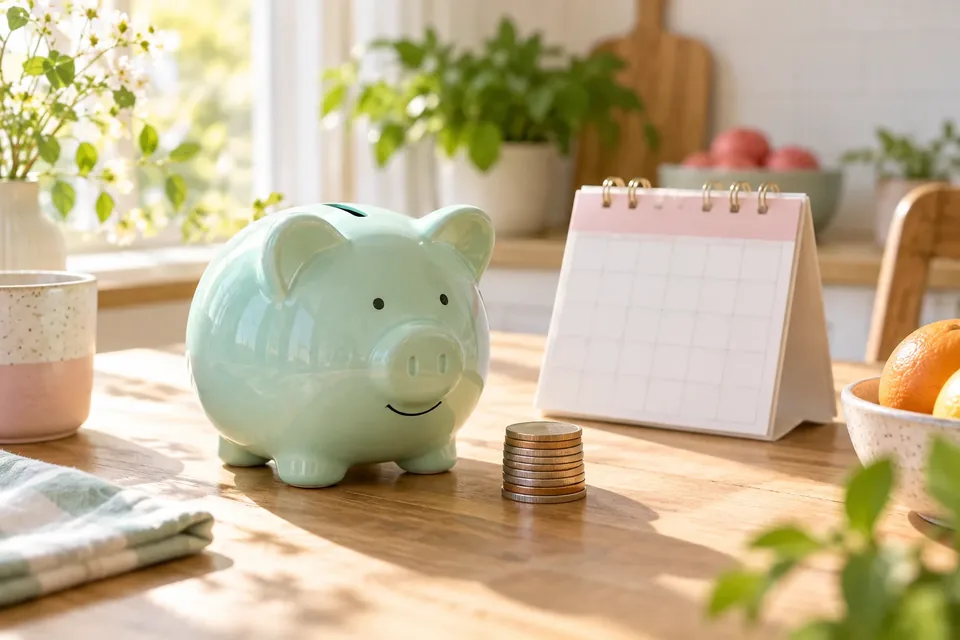
The fastest way to compare GLP-1 app pricing is to turn every plan into a yearly cost, then check what the free version already does, how the trial renews, and where you cancel. A small weekly number can end up being the most expensive way to pay.
App paywalls are designed to make one button feel obvious. This guide gives you a calmer, five-minute way to decide whether you need to pay at all, and if so, which plan.
How do you compare weekly, monthly and yearly app plans?
Multiply. That is honestly the whole trick.
| Billing | Multiply by | Example price | Cost over 12 months |
|---|---|---|---|
| Weekly | 52 | $5.99 | $311.48 |
| Monthly | 12 | $12.99 | $155.88 |
| Yearly | 1 | $59.99 | $59.99 |
Those example prices are GLPily's own PRO prices in the US, and we use them because we can vouch for them. Notice what the math shows: the weekly plan costs more than five times the yearly plan over a full year. Weekly plans make sense if you only want a few weeks of a paid feature, say before an appointment. They make little sense as a way to pay for a whole year.
The yearly plan has its own catch: you pay up front. If you are not sure you will still be using the app in three months, a monthly plan may cost more per month but less in total.
A quick decision rule:
- Trying it out for a few weeks? Weekly or monthly, with a calendar reminder to review.
- Fairly sure you will track for many months? Yearly is usually cheapest.
- Not sure you need paid features? Start with the free version and pay nothing.
What does a "free trial" actually mean in an app store?
On Apple's App Store, a free trial is one of three kinds of introductory offer a developer can set up. Apple's developer documentation lists:
- Free trial: free access for a set period.
- Pay as you go: a discounted price each billing period for a set time.
- Pay up front: one discounted payment for a set time.
All three roll into the regular price automatically unless you cancel. Apple also says customers can redeem one introductory offer per subscription group, so you usually cannot restart a trial on the same app.
Google Play works the same way in practice. Its help page says that when the trial ends, the first billing period begins and you are charged automatically; to avoid that, cancel before the trial expires. Google also says you will get an email when your trial is about to end.
Apple requires developers to show the full renewal price clearly on the sign-up screen and, for free trials, how long the trial lasts and what you will pay after. If you cannot find those three things on a paywall, scroll down or tap the fine print before you tap the big button.
What should you check before starting a trial?
Run through this list on the paywall itself:
- What is the price after the trial, and how often is it billed?
- When exactly does the trial end? (Put it in your calendar now.)
- Is the offer introductory, meaning the second year costs more?
- Which features are paid, and which stay free if you cancel?
- Can you export your logs if you leave? (More on that in Can You Export or Delete Your GLP-1 Tracking Data?)
- Is the subscription billed through Apple or Google, or on the company's website?
That last item matters because it decides where you cancel.
What do you actually need to pay for?
Before paying, write down the three things you open the app for most. For many people on a GLP-1, that list is something like: log the shot, log the weight, get a reminder.
In GLPily, shot and pill logging with reminders, weight tracking and other core logging are free. PRO adds extras on top. Other apps draw the free/paid line in different places, which is exactly why "which is cheapest" is the wrong first question. The right one is: does the free version already cover my three things?
If you want to compare features rather than prices, our roundup of the best GLP-1 tracker apps and the fair comparison of GLPily, Shotsy and MeAgain list what each app offers. And if you are still deciding whether you need an app at all, Paper, Spreadsheet or App? is a good gut-check. A paper notebook costs a few dollars and never auto-renews.
How do you cancel an app subscription on iPhone or Android?
Deleting the app does not cancel the subscription; Google's help page says so plainly. On iPhone, too, subscriptions are managed in your Apple Account, not inside the app. Cancel in your account:
iPhone or iPad (Apple's steps):
- Open Settings and tap your name.
- Tap Subscriptions.
- Tap the subscription.
- Tap Cancel Subscription (you may need to scroll). If there is no cancel button, or you see an expiration message in red, it is already canceled.
Apple advises canceling a free trial at least 24 hours before it ends if you do not want it to renew.
Android (Google Play's steps):
- Open the Google Play subscriptions page, signed in to the account that pays.
- Select the subscription.
- Tap Cancel subscription and follow the prompts.
On Google Play, you keep access until the end of the period you already paid for. Google's own example: buy a one-year plan on January 1, cancel on July 1, and you keep access until December 31 without being charged again.
Subscribed on a website? Cancel through that company's account page and save the confirmation email.
What if you were charged when you meant to cancel?
On Apple, you can ask for a refund at reportaproblem.apple.com: sign in, choose "Request a refund," pick a reason, then select the item. Apple says it typically responds within 24 to 48 hours. Refunds are not guaranteed, so a calendar reminder before the renewal date is still the better plan. On Google Play, the help center says contacting the app's developer is often the quickest fix for purchase problems, and it has a separate "Request a refund on Google Play" process for the rest.
A two-minute pricing worksheet
Copy this into your notes before you decide:
| App A | App B | |
|---|---|---|
| Free features I would actually use | ||
| Paid feature I want | ||
| Price and billing (week / month / year) | ||
| Cost over 12 months | ||
| Trial length and end date | ||
| Billed through (Apple / Google / website) | ||
| Data export available? | ||
| Date I checked these prices |
That last row matters. Prices change, so a comparison is only true on the day you made it.
Common questions
Is a weekly app subscription a bad deal?
Not always. It is the most expensive way to pay for a whole year, but it can be the cheapest way to try a paid feature for two or three weeks. Annualize it and decide based on how long you will really use it.
Does deleting a GLP-1 app cancel my subscription?
No, not on Google Play, and on iPhone the subscription lives in your Apple Account regardless. Cancel in Settings > your name > Subscriptions on iPhone, or in Google Play subscriptions on Android. If you subscribed on a website, cancel there.
When should I cancel a free trial so I am not charged?
Apple recommends at least 24 hours before the trial ends. Google says to cancel before the trial period expires. Set a reminder a couple of days early to be safe.
Will I lose my logs if I cancel?
It depends on the app. Many keep free features working after a paid plan ends, but check before you subscribe, and export your data if the app offers it.
Sources and further reading
- Apple Developer: Auto-renewable subscriptions and introductory offers
- Apple Support: If you want to cancel a subscription from Apple
- Apple Support: Request a refund for apps or content from Apple
- Google Play Help: Cancel, pause, or change a subscription on Google Play
- Google Play Help: Subscribe to services or content
- Google Play Help: Refunds and purchase issues on Google Play
GLPily is a tracking companion, not a medical device, and doesn’t provide medical advice. Written by the GLPily Editorial Team from the sources listed above.
Make your GLP-1 journey easier to track 💚
Keep your shots, weight, food, water and symptom notes together with GLPily, and meet Pily, the little coach who answers from your own logs.

- Shot tracking
- Water & symptoms
- Weight trends
- Journal
- Food scanner
- Progress photos